
The reviewer has been compensated in the form of a Best Buy Gift Card and/or received the product/service at a reduced price or for free
I am a blogger and want to take my photo editing to a new level; I want to have fun and also make photos pop and stand out. Thanks to the Adobe Creative Cloud Photography Plan I can’t wait to do just that. What is Adobe Creative Cloud Photography Plan?
A 1-year subscription (encompassing Photoshop Creative Cloud and Lightroom Creative Cloud)
- It’s a 1-year subscription that includes the Photoshop Creative Cloud and Lightroom for the ultimate in photo organization and editing
- They want you to “Take your best shot and make it even better with the Creative Cloud Photography plan.”
- It’s for those who want enhanced photo editing with multi-screen capabilities
- This is best for more advanced, active photographers who want to be able to create and access their vision on any device, anywhere.
- Perfect your Photography: From everyday edits to total transformations, the Creative Cloud plan lets you retouch and manipulate images in just about any way you can imagine.
- Organize, Edit & Share Images from Anywhere: On your computer, on the web, on your iPad and your iPhone or Android device. And when you make an editor flag a favorite in one place, it’s automatically updated everywhere else through Adobe CreativeSync technology.
- Showcase your Work: Organize images in web galleries or share them on your favorite social sites. Then use the Adobe Slate mobile app to craft visual stories and animated videos and the Adobe Voice mobile app to add your voice for narration.
- Photoshop Creative Cloud subscription is $119.99 for one year.
I have only been playing with it for about a week; I have been so busy that I haven’t had time to look into all it does, but you better believe I can’t wait to learn more. It’s a little more intensive than I thought it would be, so I am going to have to make time to watch lots and lots of tutorials to see what I can do with it!
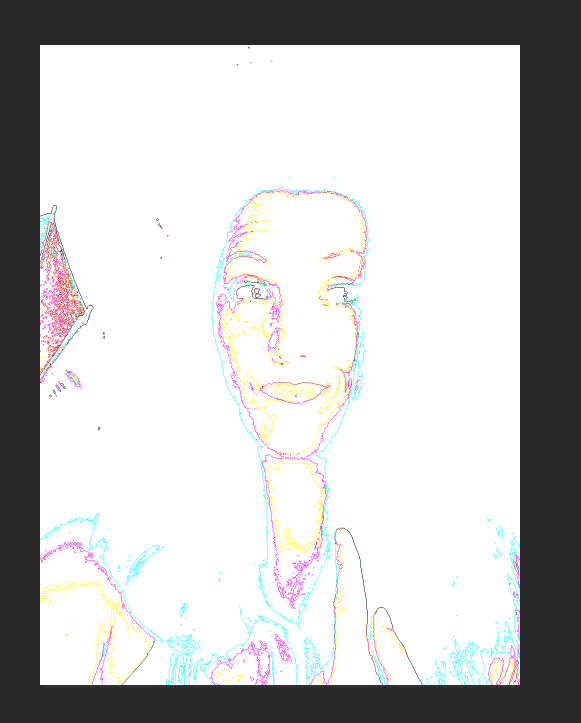
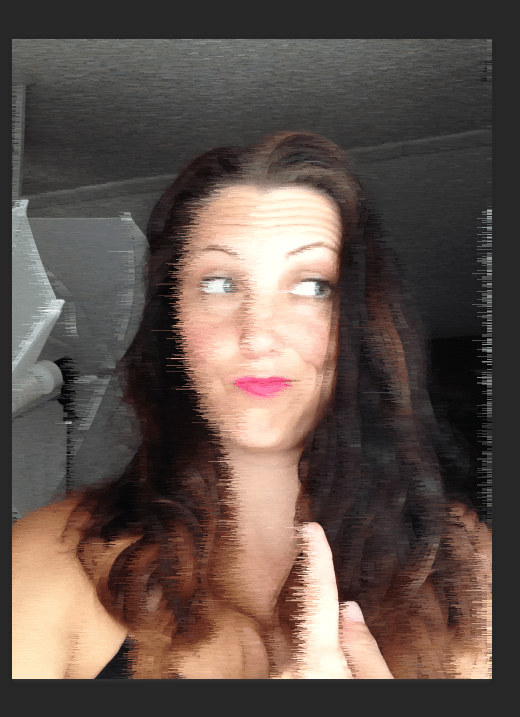
However, I did find that you can have some fun photo filters using the Photoshop Creative Cloud! Check out these fun filters I used on one of my selfies!
The original photo:
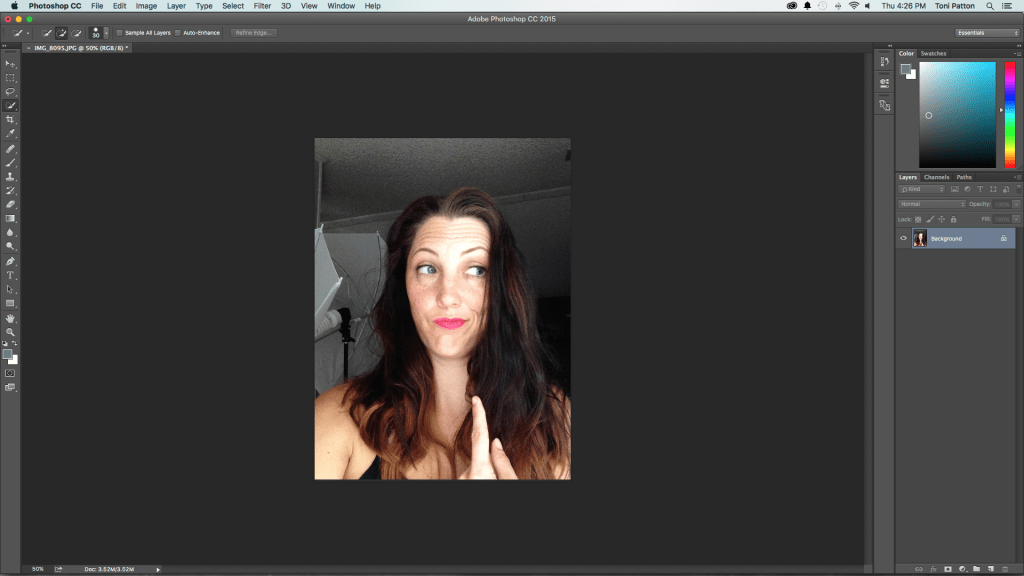
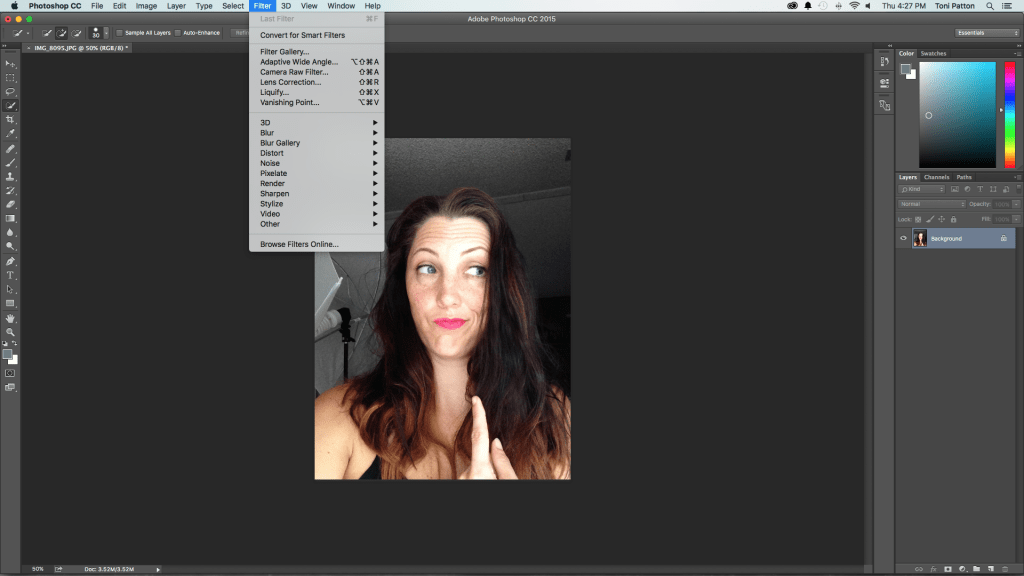
The filter choices:
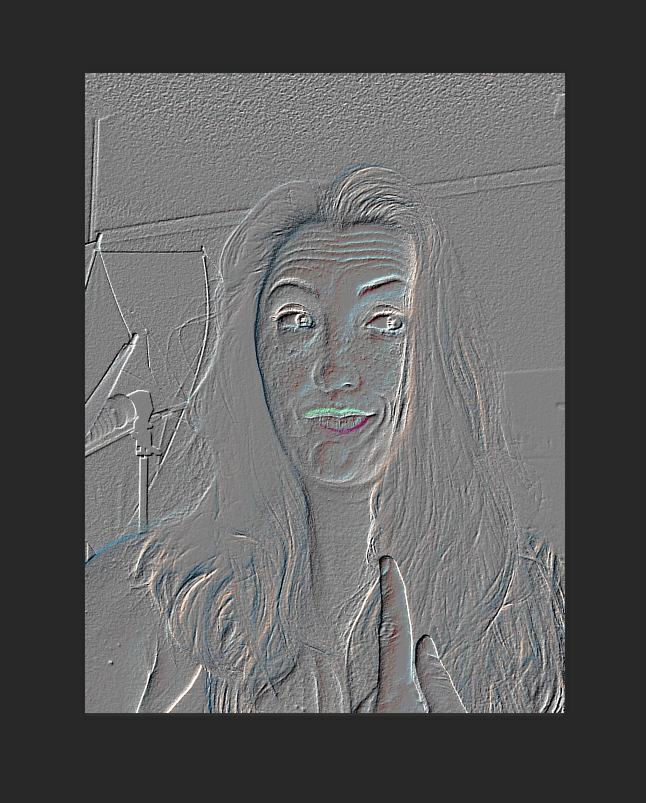
Here are a few of the filters I tried out:
Lightroom is used to organize your photos and batch edit, the next time I take photos I will be testing it out a more. With the Photoshop feature, you can replace items, edit people out of photos, add people to photos, the editing possibilities are almost endless. I just know this is going to be a huge thing in my photography, and I really can’t wait to update you more as I learn more, so be on the lookout for future posts!
If you are ready to take your photography to the next level, then check out the Adobe Photoshop Creative Cloud and Lightroom you can pick it up at Best Buy!


Toni Patton
Latest posts by Toni Patton (see all)
- Statistics Burnout: My Dramatic Death by Stats (Part 1) - July 1, 2026
- My Mid-Life Crisis Enrolled in College Without Asking Me First - March 27, 2026
- Drinking Around the World at Epcot Won’t Make You Feel Better… - July 27, 2025

